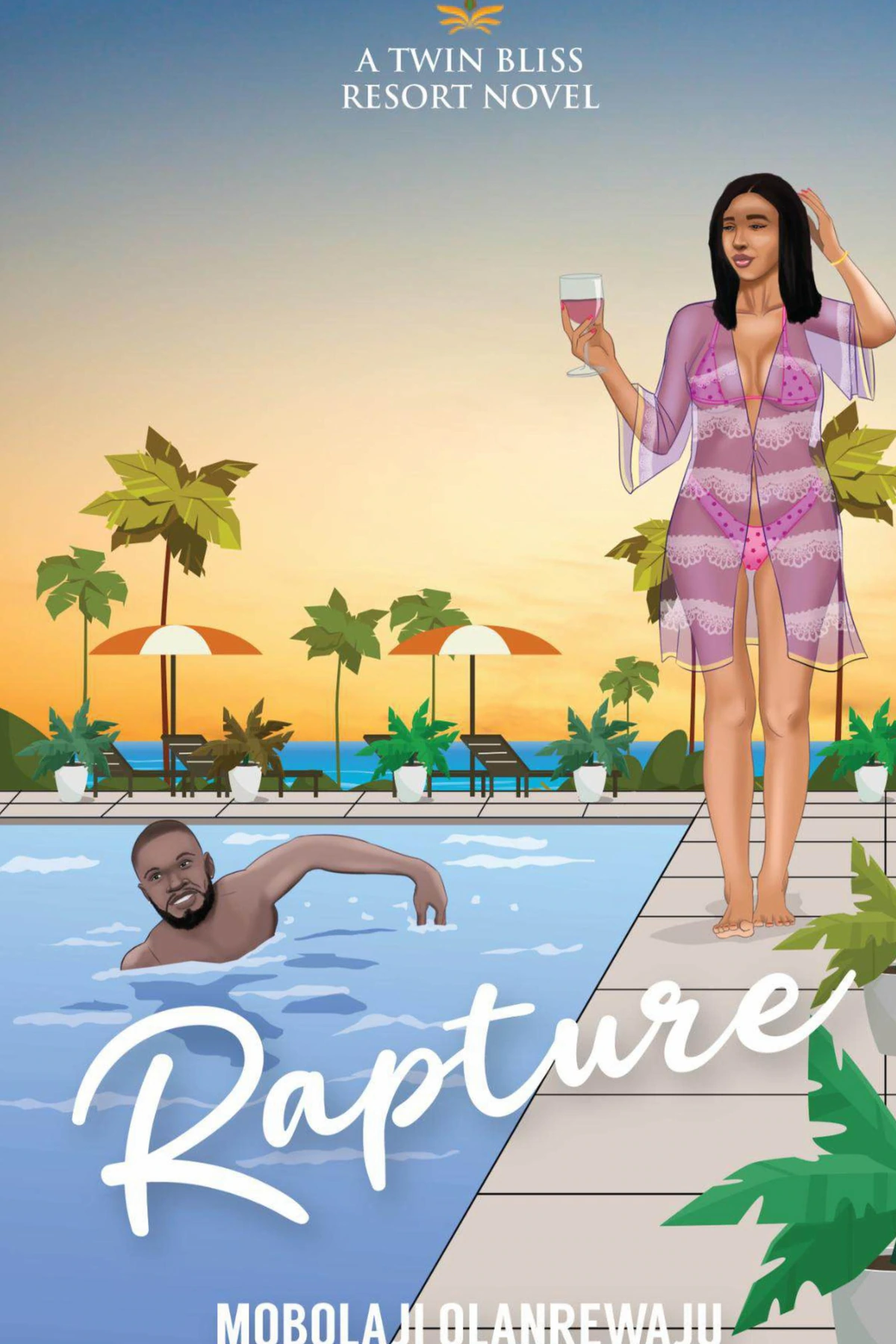
Promotions are paid placements that put your book in front of Sọna readers. You choose a placement, pick a date and pay from your Publish Dashboard. The Sọna team then designs the banner, email or notification for you, and you sign off on a proof before anything goes out.
This guide explains each option, what it costs, and how to book one.
Where Your Book Can Appear
- Browse banners: in the Browse rotation in the Sọna app, and on the website home and Browse pages for longer bookings
- Email: a full Sọna email about your book, or a banner inside a Sọna Sum Up reader digest
- Push notifications: a notification to readers' phones that opens your book page in the Sọna app
- Social: a feature on Sọna's own social channels, included in the Featured Week Campaign
Campaign Bundles
Featured Week Campaign: ₦30,000
Our most complete option. It runs for seven days and includes:
- A banner on the website home page, the website Browse page and the app Browse page for 7 days
- One dedicated email about your book, sent on your campaign day
- One sponsored push notification
- One feature on Sọna's social channels
- One creative direction across the banner, email and push, so they look and read as one campaign
Weekend Book Boost: ₦12,500
Three days in the app Browse banner rotation, plus one sponsored push notification.
Free Read Spotlight: ₦12,500
Three days in the app Browse banner rotation, plus one push notification that invites readers to read your book free. Your book must be free for the whole campaign.
Browse Banners
- 1 Day: ₦3,500, in the app Browse rotation
- 3 Days: ₦5,000, in the app Browse rotation
- 7 Days: ₦10,000, on the website home page, the website Browse page and the app Browse page
For each banner, you choose a standard featured-book banner or a Discount Banner. A Discount Banner shows your sale price and the original price. To use it, your discount must be active on Sọna from the first day of the campaign to the last day.
Banners share a rotation with other books, so readers see a different banner each time the rotation changes. Each banner links straight to your book page.
Email Placements
Featured-Book Email Blast: ₦15,000
One complete Sọna email about your book, sent on the day you choose. It includes your cover, the hook, the book details, the price and a direct link. Sọna writes the subject line and preview text. This works well on release day.
Sọna Sum Up Email Banner: ₦10,000
A designed banner for your book inside one of our scheduled reader digests: Monthly Picks, Spotlight, Free Read, Editor's Pick or Monthly Wrap. The banner is clearly marked as a paid placement.
Sponsored Book Push: ₦10,000
One push notification to readers who have agreed to receive notifications. It opens your book page in the Sọna app. On devices that support it, the notification shows your cover.
You choose one of four styles:
- Release Alert: a plain announcement for a new book
- Story Hook: leads with the premise or central question of your book
- Author Spotlight: introduces you and your book
- Reading Invitation: a simple invitation to view the book
Choose a Campaign Goal
When you book, you tell us what the campaign is for. The goal shapes the wording of your banner, email or push.
- New Release: your book is newly available on Sọna
- Backlist Revival: bring an older title back to readers
- Free Book Promotion: invite readers to read free. The book must be free
- Preorder: your book must have preorder turned on, with a future publication date
- General Book Spotlight: general discovery, with no release or price message
What We Will and Will Not Say
Sọna writes all promotion copy from your book's details. We do not invent reviews, bestseller claims, popularity or false urgency. Paid placements are never presented as a Sọna editorial endorsement. If your campaign mentions a price, a free read or a preorder, that must be true on Sọna while the campaign runs. If it stops being true, we pause the campaign until it is fixed.
Before You Book
- Your book must be live in the Sọna store
- Distribution-only books cannot use Promotions
- Book at least three full days before your campaign date. We use those days to design your creative and send you a proof. For example, if you book on 1 October, the earliest campaign date is 5 October
- Each placement has a limited number of slots per day. If a date is full, choose another
How to Book a Promotion
- Go to Publish Dashboard > Promotions, or open readsona.com/publish/promotions
- Choose a placement or bundle
- Choose the book, the campaign goal and the style
- Pick an available date
- Pay to confirm your slot
- When your proof is ready, we send you an email. Open the campaign and check the banner, email or notification
- Select Sign Off On Proof if everything is correct, or Report A Factual Issue if something is wrong
- Your campaign runs on the date you chose. You can follow its status in the same Promotions page
Which Option Should I Choose?
- Launching a new book: the Featured Week Campaign, or a Featured-Book Email Blast on release day
- Running a sale: a Browse Banner with the Discount Banner format
- Giving a book away free: the Free Read Spotlight
- A small budget: a 1-day or 3-day Browse Banner
Related Guides